Software updates
Download and install the latest FinAuto Client when a new version is available.
Prerequisites
- FinAuto Client installed
- Internet access to FinAuto cloud services
Steps
Step 1: Open updates
- Go to Configuration → Updates.
- If a new version is available, the page shows a notification.
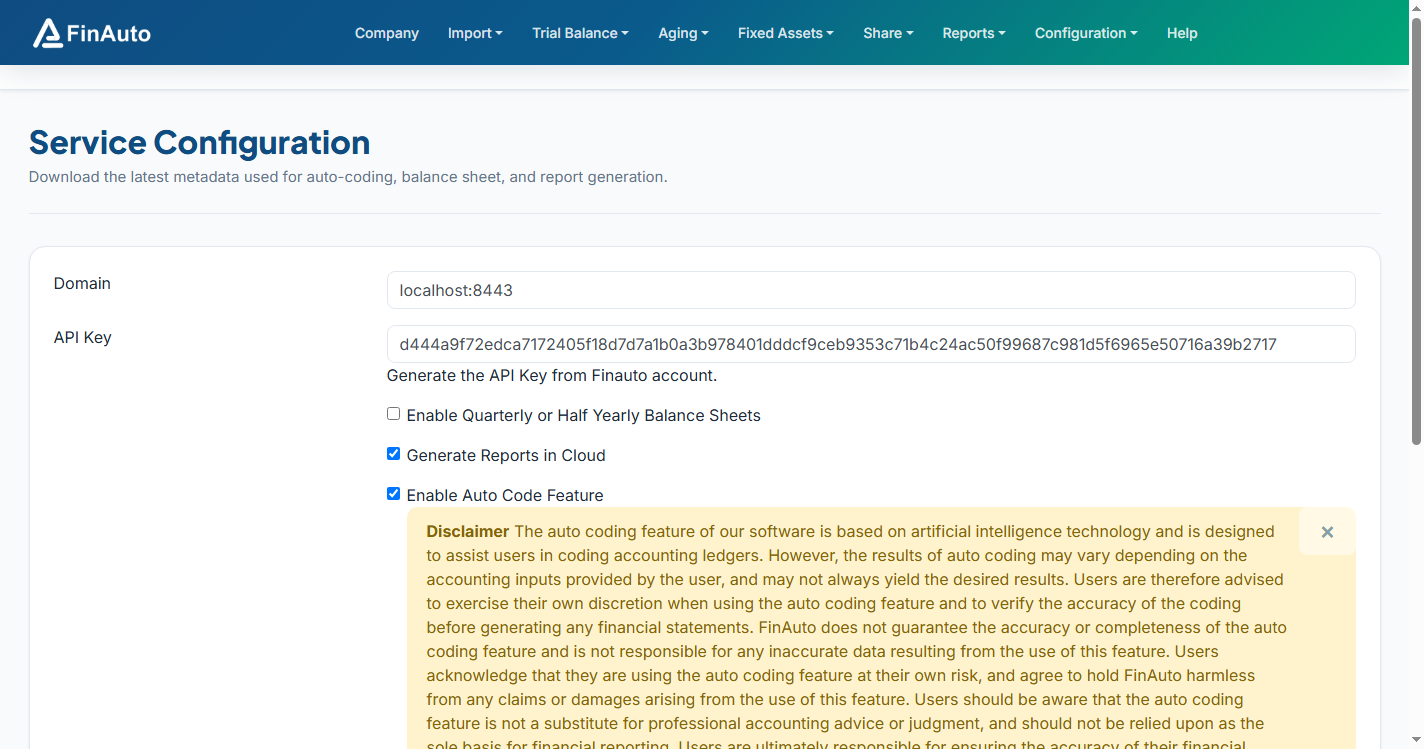
Step 2: Download and install
- Click Update when prompted.
- Run the downloaded
.exeinstaller. - Relaunch the client and verify the version in the title bar or about dialog.
Save work before updating
Close imports and reports in progress. Complete or cancel long-running tasks before installing an update.
Related links
Troubleshooting
| Symptom | Likely cause | Resolution |
|---|---|---|
| Update download fails | Network or proxy | Retry; check firewall |
| Client still shows old version | Installer not run | Re-run downloaded installer |
See also Common issues.
Need more help? Contact support@finautoindia.com. Do not share API keys or PAN in email.