Customize reports
Configure company-specific report labels, accounting policy text, and disclosure notes used when generating financial statements.
Prerequisites
- Company selected in the top bar
- Report format chosen on Manage company
Steps
Step 1: Open customization grid
- Go to Reports → Customize (or Accounting Policies per legacy menu).
- Review existing customization rows for the company.
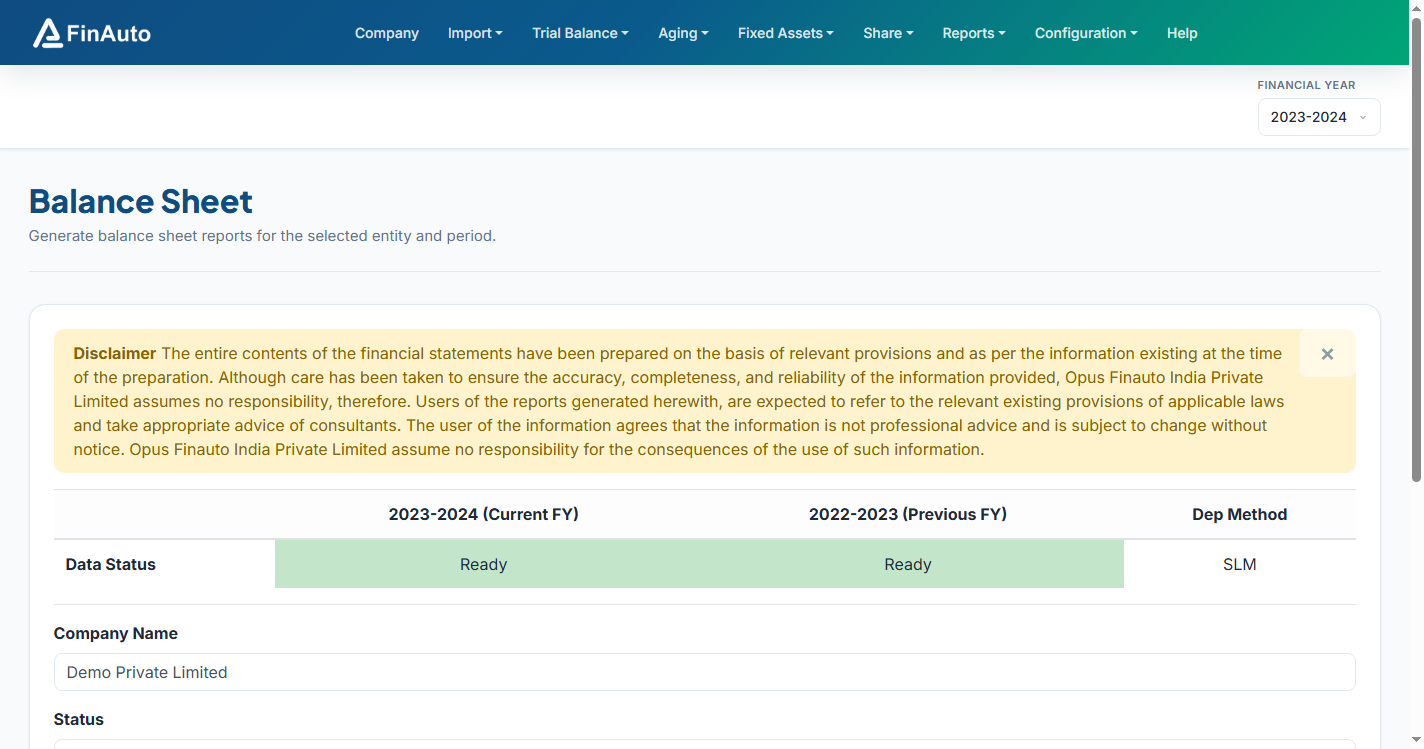
Step 2: Add or edit entries
- Click Add or edit an existing note.
- Enter section key, display text, and ordering as required by your balance sheet format.
- Save changes before generating Balance sheet.
Step 3: Verify in output
- Generate balance sheet for the FY.
- Confirm custom notes appear in the exported report package.
Related links
Troubleshooting
| Symptom | Likely cause | Resolution |
|---|---|---|
| Note not in BS | Wrong company or format | Verify company bar and report format |
| Duplicate sections | Overlapping keys | Remove or merge duplicate customization rows |
See also Common issues.
Need more help? Contact support@finautoindia.com. Do not share API keys or PAN in email.