Coding rules
Refresh classification and coding rules from the FinAuto server for auto-code and report mapping.
Prerequisites
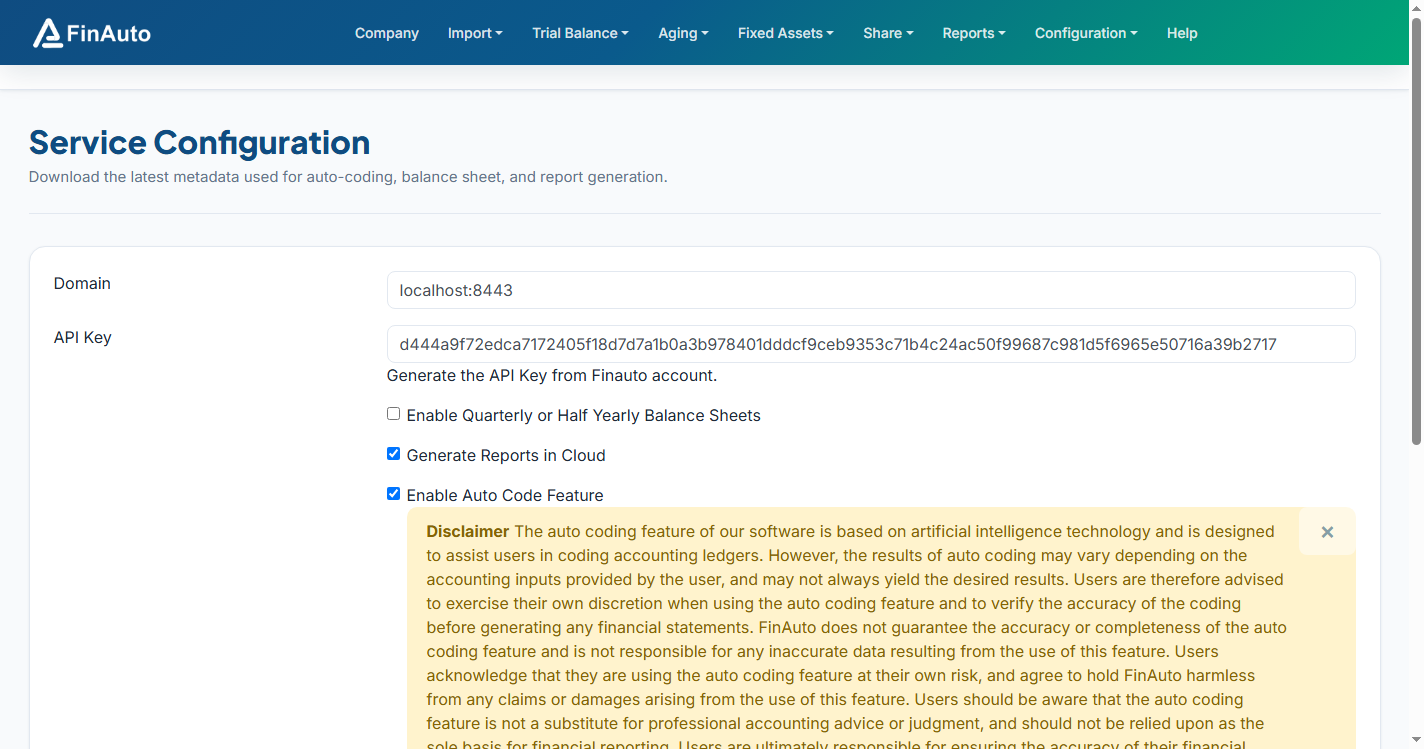
- Valid service configuration
Steps
Step 1: Open coding settings
- Go to Configuration → Coding.
- Review available sync options on the form.
Step 2: Sync rules
- Submit the form to pull the latest coding rules from the server.
- Confirm success message.
When to sync
Sync after server-side rule updates or when auto-code produces unexpected mappings.
Related links
Troubleshooting
| Symptom | Likely cause | Resolution |
|---|---|---|
| Sync fails | API key or network | Update service settings; retry |
| Rules unchanged | Already current | Contact support if mappings still wrong |
See also Common issues.
Need more help? Contact support@finautoindia.com. Do not share API keys or PAN in email.