Stock items
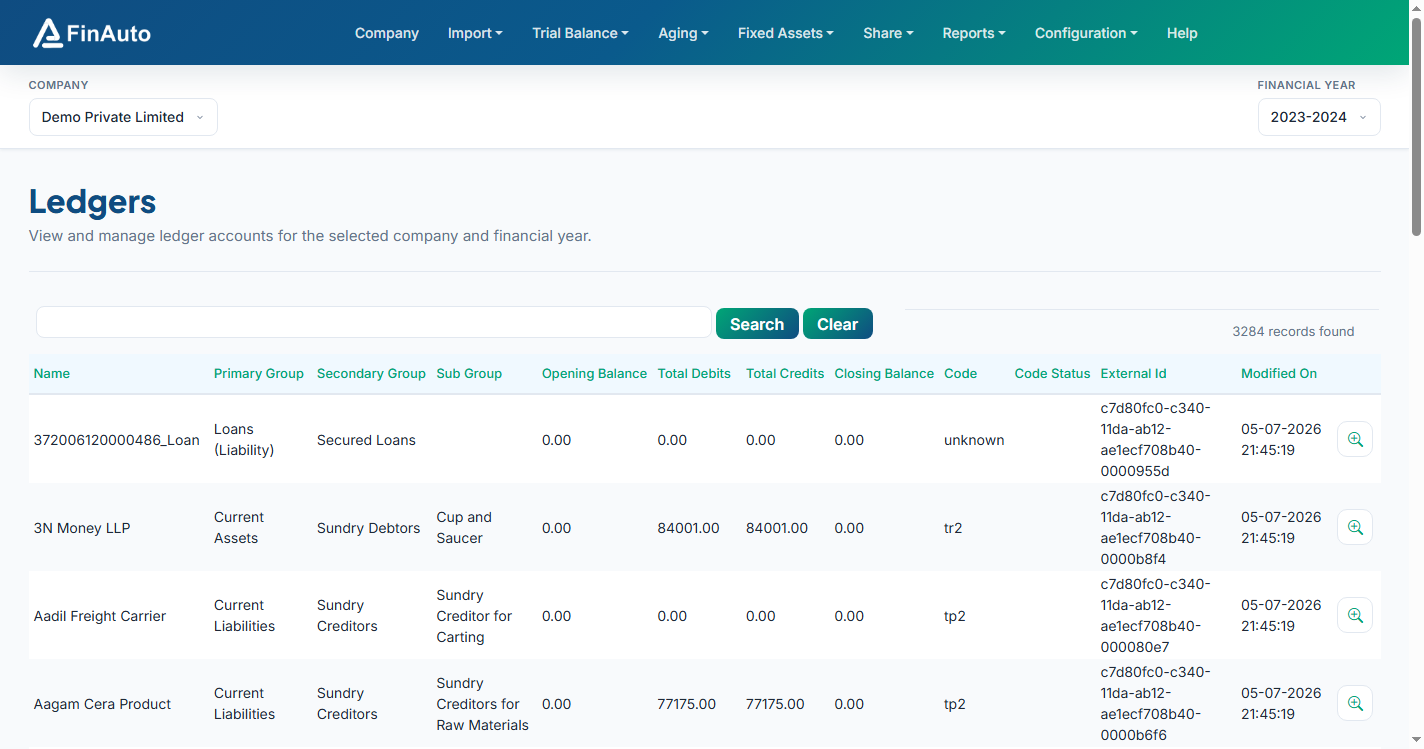
View and manage stock item balances for the selected company and financial year.
Prerequisites
Steps
Step 1: Open stock grid
- Go to Trial Balance → Stock Items.
- Review quantities and values in the grid.
Step 2: Edit or export
- Use inline edit actions where enabled.
- Export for Excel round-trip via Import data templates.
Related links
Troubleshooting
| Symptom | Likely cause | Resolution |
|---|---|---|
| Empty stock list | Not imported for FY | Re-import with stock option ticked |
| Values mismatch Tally | FY period mismatch | Align Tally period with client FY |
See also Common issues.
Need more help? Contact support@finautoindia.com. Do not share API keys or PAN in email.