Import other formats
Import trial balance and related data from third-party Excel layouts using the Other Formats import workflow.
Prerequisites
- Company and FY selected
- Source file matching FinAuto-supported third-party layout (see in-app format hints)
Steps
Step 1: Open other formats import
- Go to Import → Other Formats.
- Read format requirements on the import page.
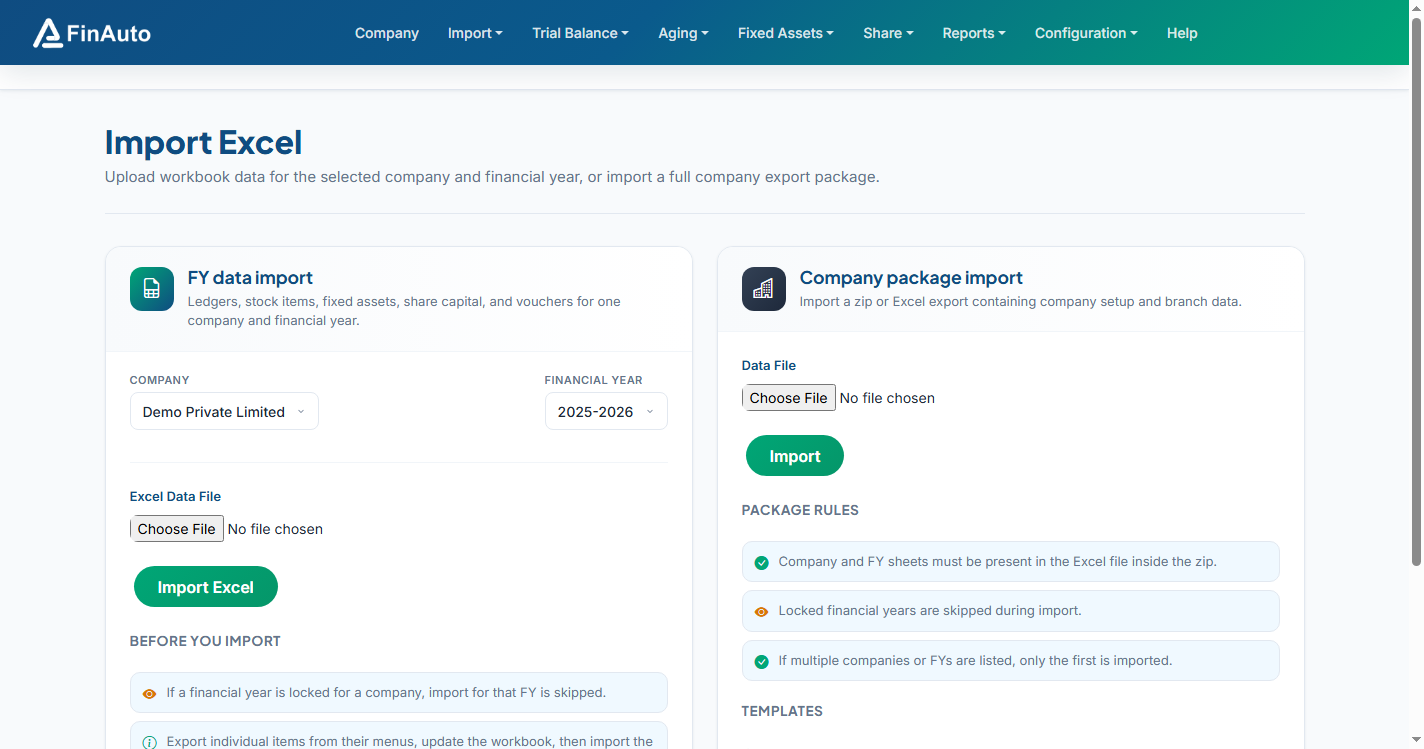
Step 2: Upload and import
- Select your file.
- Map or confirm columns as prompted.
- Submit and review any validation errors.
Related links
Troubleshooting
| Symptom | Likely cause | Resolution |
|---|---|---|
| Unsupported layout | Wrong file type | Use Excel export from supported ERP template |
| Column mismatch | Extra header rows | Remove title rows; keep standard header line |
See also Common issues.
Need more help? Contact support@finautoindia.com. Do not share API keys or PAN in email.