Asset shifts
Record transfers of fixed assets between locations or categories within the same company.
Prerequisites
- Assets exist in Fixed asset register
- Financial year unlocked if edits are required (Financial years)
Steps
Step 1: Open asset shifts
- Go to Fixed Assets → Asset Shifts.
- Review existing shift entries.
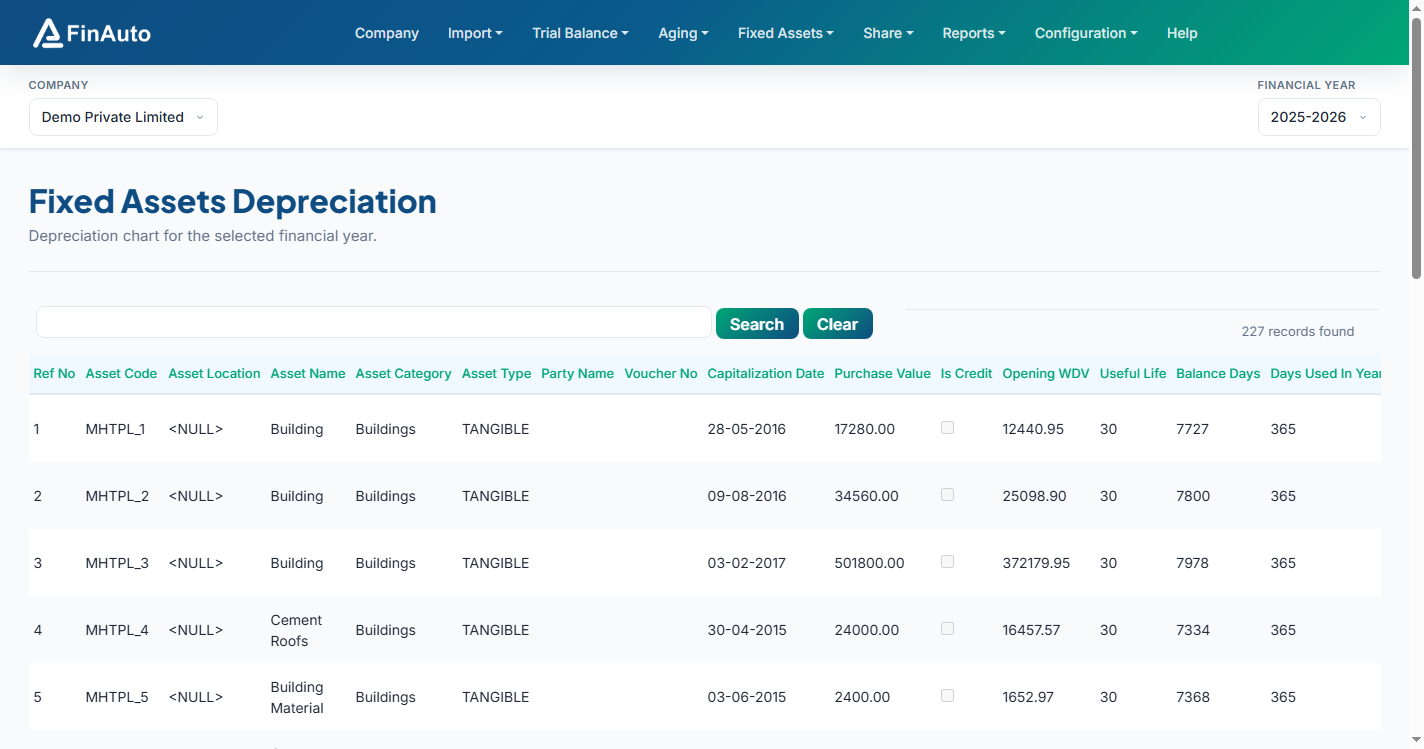
Step 2: Add a shift
- Click Add and select the asset.
- Enter shift date, from/to location or category, and supporting voucher reference.
- Save and verify the register reflects the change.
Related links
Troubleshooting
| Symptom | Likely cause | Resolution |
|---|---|---|
| Asset not in list | Not in register | Import asset in Register first |
| Cannot save | FY locked | Unlock FY on company FY screen |
See also Common issues.
Need more help? Contact support@finautoindia.com. Do not share API keys or PAN in email.