Resolve import conflicts
Resolve branch naming conflicts when Tally import detects duplicate or ambiguous branch mappings.
Prerequisites
- A Tally import that reported branch conflicts
- Access to Import → Resolve Conflicts (shown when conflicts exist)
Steps
Step 1: Open conflict resolution
- After import, follow the link or menu to Resolve Conflicts.
- Review the list of conflicting branches.
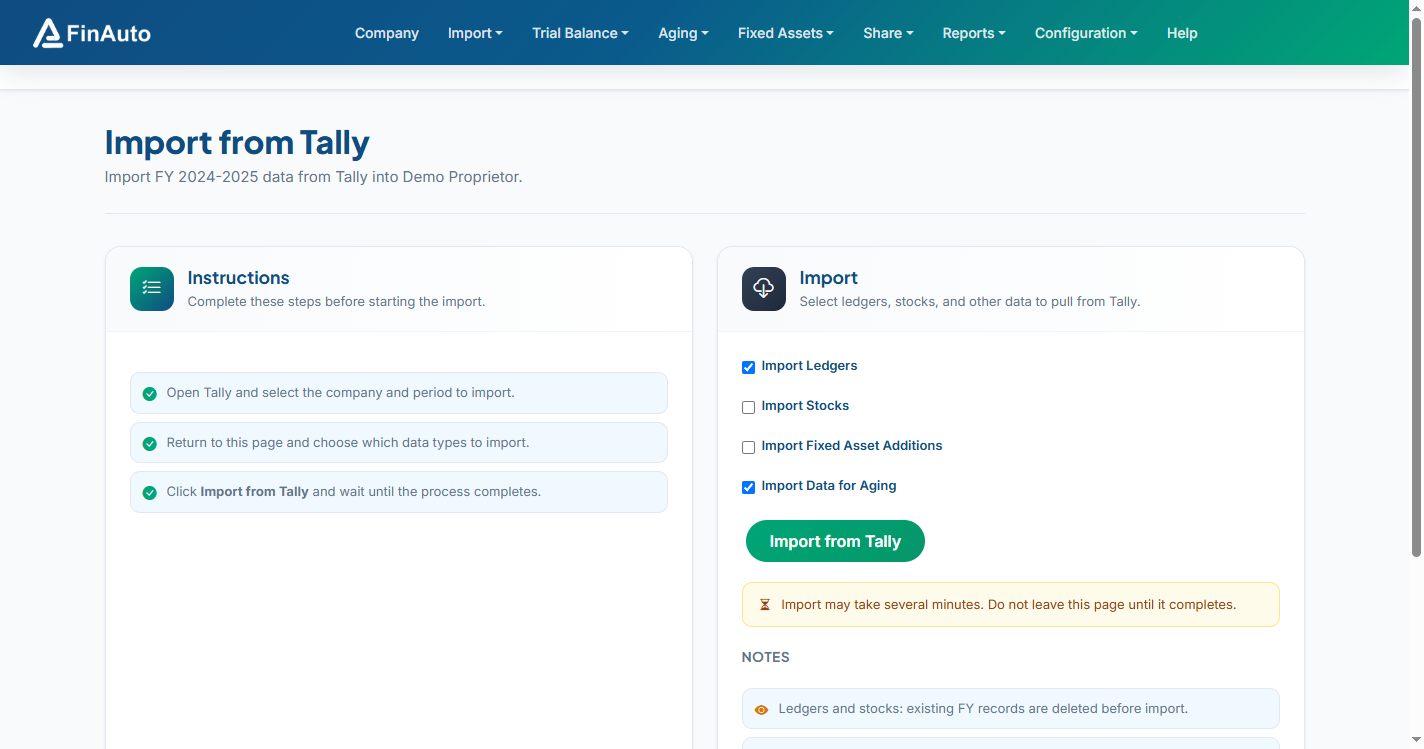
Step 2: Map branches
- For each conflict, choose the correct FinAuto branch or create a mapping.
- Save resolutions and re-run import if prompted.
Related links
Troubleshooting
| Symptom | Likely cause | Resolution |
|---|---|---|
| Conflicts repeat | PAN changed between imports | Align PAN on HQ and branches |
| New branch created unexpectedly | Branch renamed in Tally | Map to existing branch manually |
See also Common issues.
Need more help? Contact support@finautoindia.com. Do not share API keys or PAN in email.