Issued capital
Record shares issued to shareholders up to authorized limits.
Prerequisites
- Authorized capital configured
- Allotment dates and counts from board resolutions
Steps
Step 1: Open issued capital
- Go to Share → Issued.
- Review issued classes and counts.
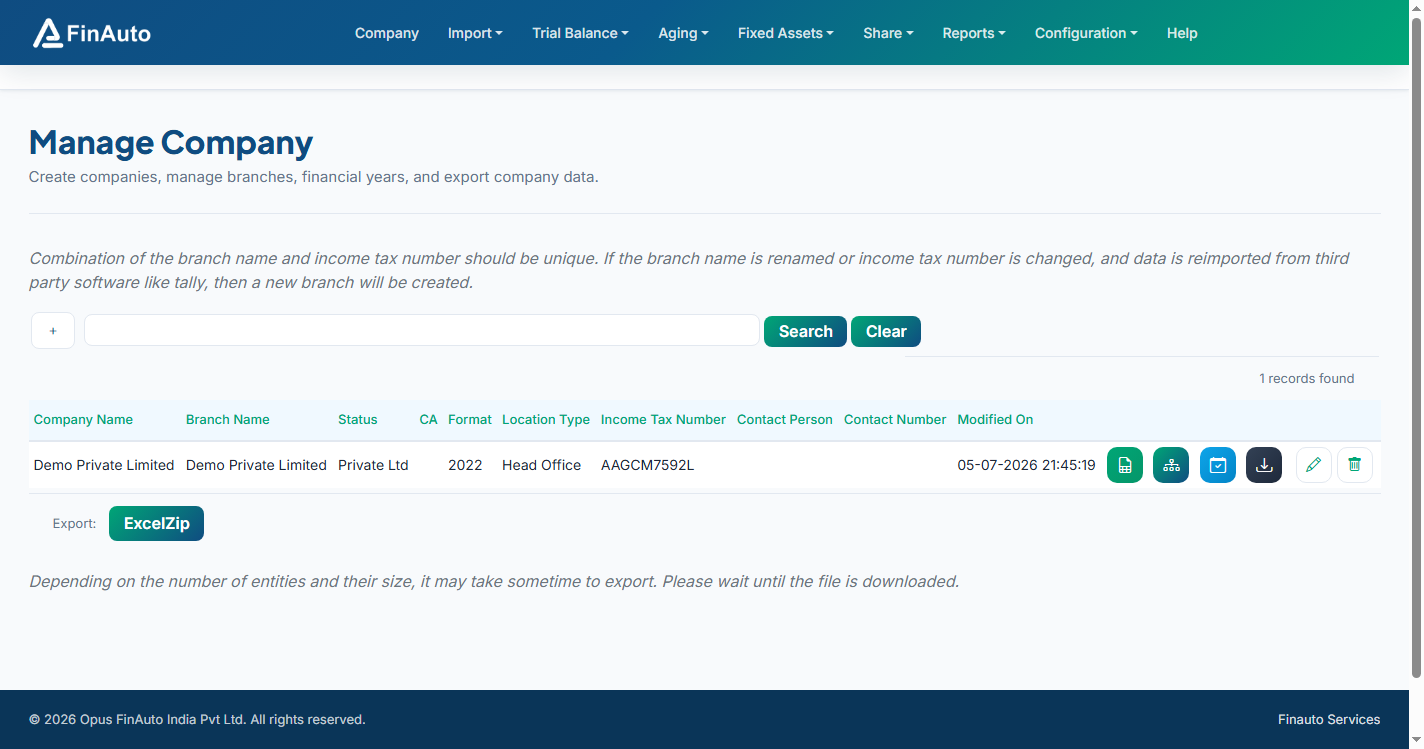
Step 2: Add issuance
- Click Add and link to authorized class.
- Enter issue date, number of shares, and consideration details.
- Update Subscribed capital and Payments as needed.
Related links
Troubleshooting
| Symptom | Likely cause | Resolution |
|---|---|---|
| Validation on share count | Exceeds authorized | Increase authorized capital |
| Holding % wrong | Missing transfer log | Post transfers in Transfer logs |
See also Common issues.
Need more help? Contact support@finautoindia.com. Do not share API keys or PAN in email.