Installation
Install the FinAuto Client, connect your cloud account, and prepare Tally for ODBC import.
Prerequisites
- FinAuto cloud account (register or log in)
- Windows PC with administrator rights to run the
.exeinstaller - TallyPrime (or supported Tally version) if you plan to import from Tally
Steps
Step 1: Create or access your cloud account
- Visit finautoindia.com and register, or log in at finautoindia.com/user/login.
- Use OTP email login to reach your user dashboard.
Step 2: Download and install the client
- From the dashboard Downloads section, download the latest FinAuto Client
.exe. - Run the installer and finish the setup wizard.
- Launch FinAuto Client from the desktop shortcut.
Step 3: Configure service connection
- Open Configuration → Service in the client.
- Enter your cloud domain and API key (generate the key from your FinAuto login dashboard).
- Click Update to sync metadata.
See Service settings for details.
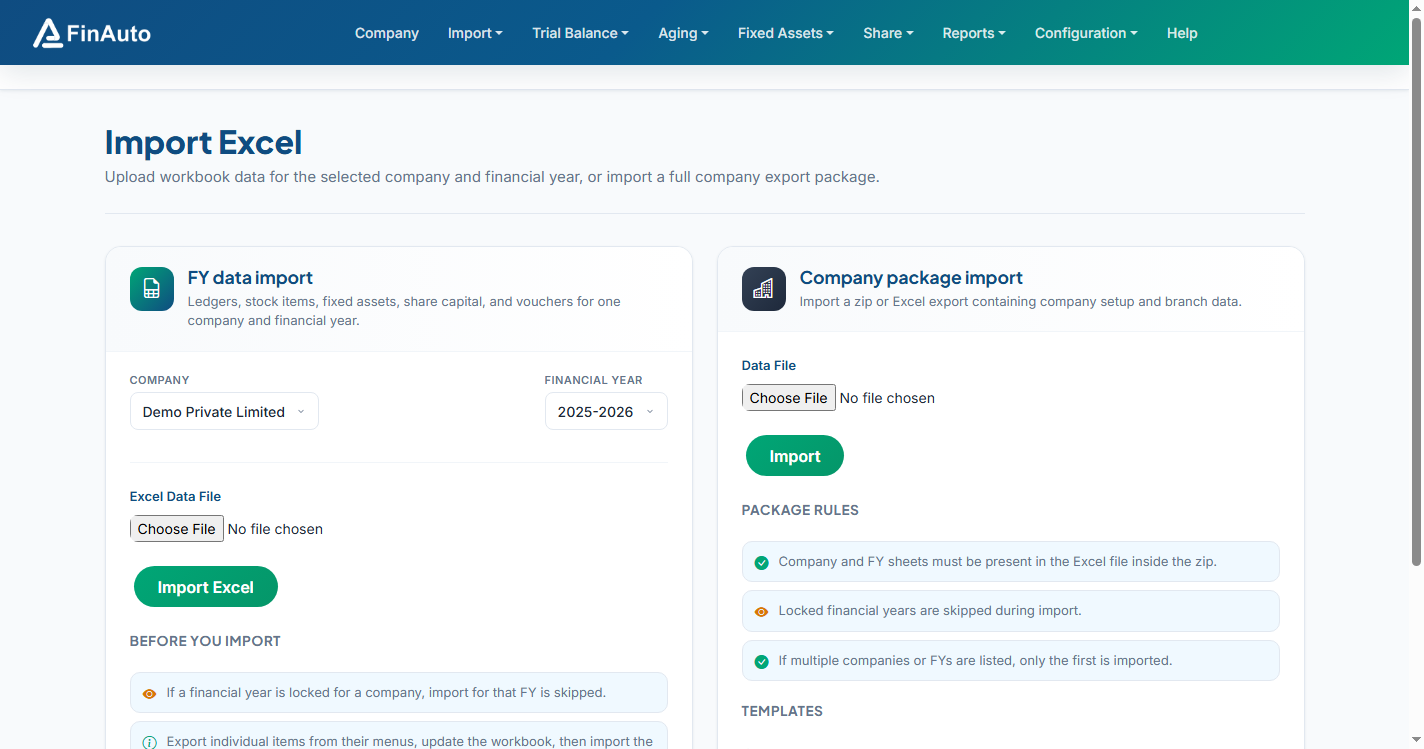
Screenshot: FinAuto Client v9.0 — cloud dashboard reference for downloads and API key
Step 4: Install the Tally plugin (tcodes.tcp)
- In Tally, open Help → F4: Add-Ons.
- Add the plugin path from your FinAuto Client install folder, for example:
C:\Users\<you>\AppData\Local\Programs\Finauto Client\tcodes.tcp


Step 5: Enable Tally ODBC (port 9000)
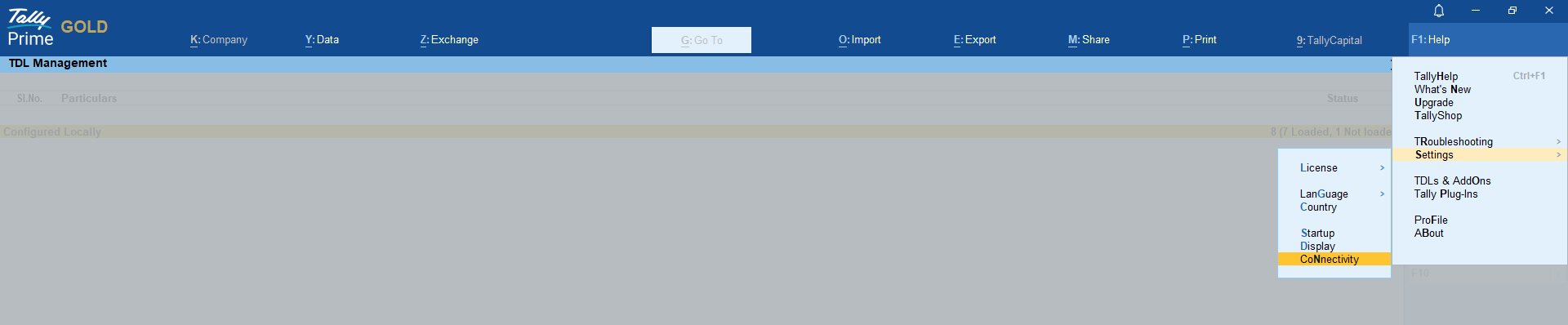
- In Tally: Help → Settings → Connectivity → Client/Server Configuration.
- Set mode to Both.
- Save and restart Tally when prompted.
Step 6: Verify the client opens
Open the client, select or create a company, and confirm the menu bar and company selector appear. Use the Help icon on any screen to open contextual documentation.
Related links
Troubleshooting
| Symptom | Likely cause | Resolution |
|---|---|---|
| Tally connection error on port 9000 | Tally not running or ODBC disabled | Open Tally, enable ODBC on port 9000, restart Tally |
| Invalid API key message | Expired or rotated key | Generate a new key at finautoindia.com/user/login, update under Configuration → Service |
| Plugin not listed in Tally | Wrong path to tcodes.tcp |
Re-add plugin under Help → F4: Add-Ons |
See also Common issues.
Need more help? Contact support@finautoindia.com. Do not share API keys or PAN in email.