Depreciation by asset
Drill into a single fixed asset to review capitalization, depreciation history, and disposal details.
Prerequisites
- Asset exists in Fixed asset register
Steps
Step 1: Open by-asset view
- Go to Fixed Assets → By Asset.
- Search or filter for the asset code or name.
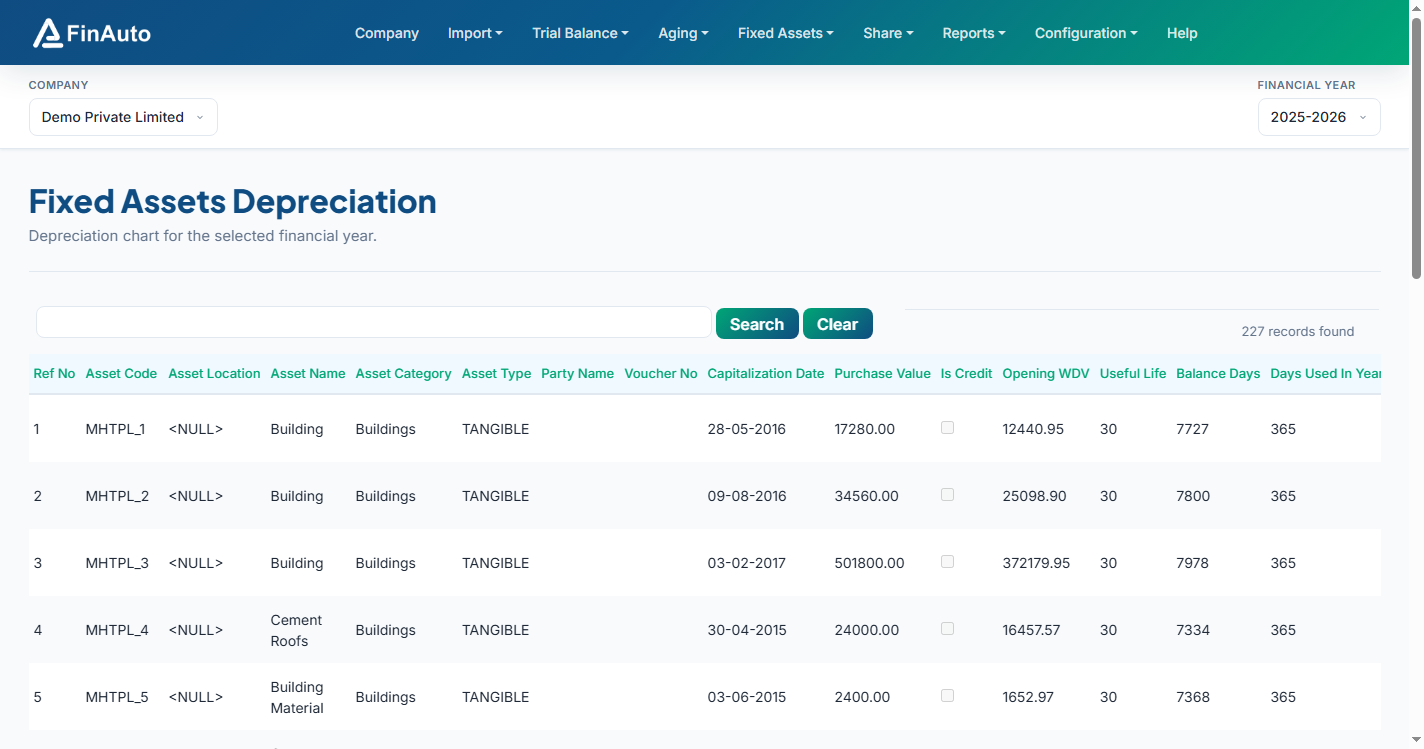
Step 2: Review asset lifecycle
- Inspect capitalization date, purchase and sale values, and year-wise depreciation.
- Cross-check against Depreciation chart totals for the FY.
Related links
Troubleshooting
| Symptom | Likely cause | Resolution |
|---|---|---|
| Asset not found | Wrong company/FY | Switch company bar selection |
| History incomplete | Asset added mid-year | Verify capitalization date in register |
See also Common issues.
Need more help? Contact support@finautoindia.com. Do not share API keys or PAN in email.