Aging vouchers
Import or review voucher lines used to compute trade receivables and payables aging buckets.
Prerequisites
- Company and financial year selected
- For Tally users: Import from Tally with Import Data for Aging checked
- For non-Tally users: Excel template from this screen
Steps
Step 1: Open vouchers grid
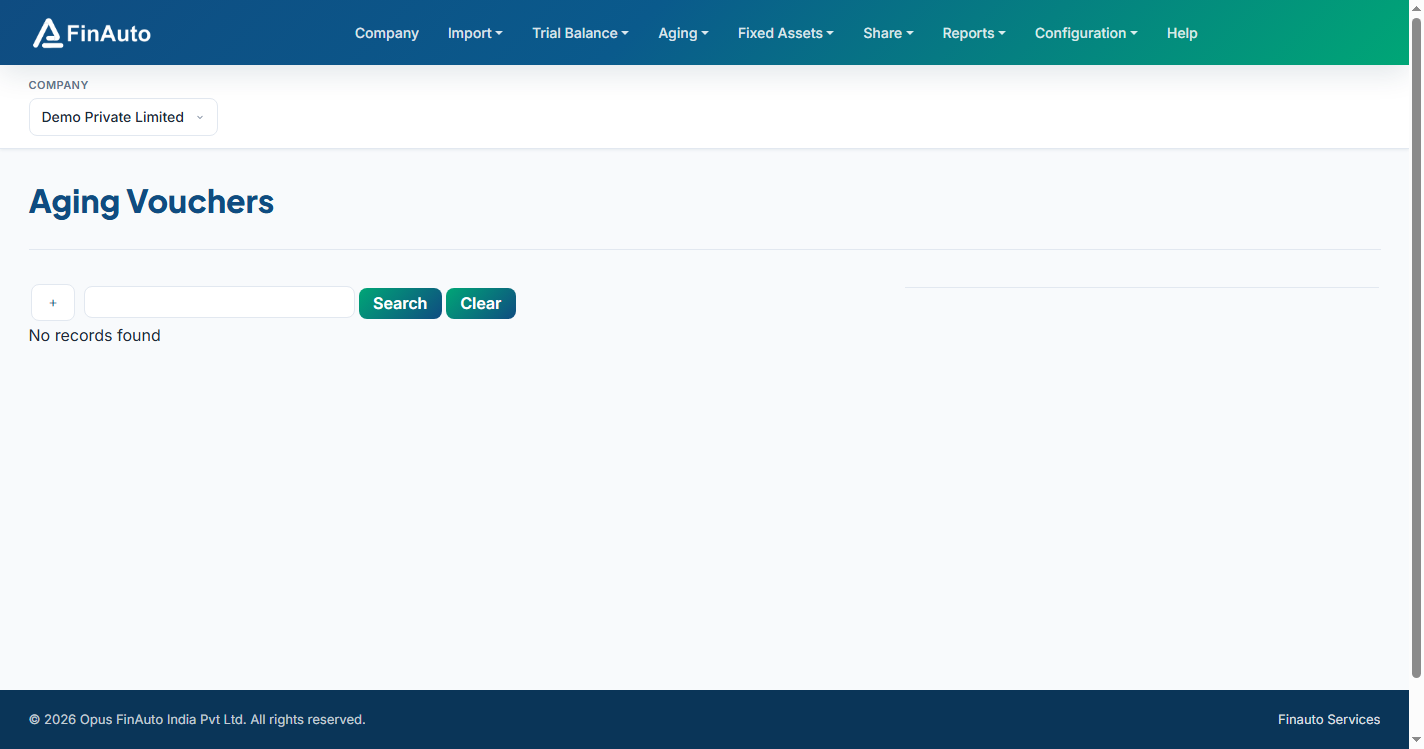
- Go to Aging → Vouchers.
- Review existing voucher rows for the selected company and FY.
Step 2: Import voucher data
Tally users: Vouchers import automatically with Tally data when aging import is enabled.
Excel users:
- Scroll to the template section at the bottom of the page.
- Download the voucher Excel template.
- Fill required voucher details (ledger, amounts, dates).
- Upload via Import from Excel and follow on-screen validation.
Step 3: Refresh aging
- Open Trade receivables and Trade payables.
- Click Calculate for the current period.
- Generate the Aging report.
Related links
Troubleshooting
| Symptom | Likely cause | Resolution |
|---|---|---|
| No vouchers after Tally import | Aging option not ticked | Re-import with Import Data for Aging enabled |
| Excel import rejected | Template version mismatch | Re-download template from this page |
| Aging buckets wrong | Prior FY outstanding | Import prior-year vouchers |
See also Common issues.
Need more help? Contact support@finautoindia.com. Do not share API keys or PAN in email.