Import data templates
Export module-specific Excel templates from their screens, edit offline, and re-import through Import → Import Data.
Prerequisites
- Source data already in the client for the module you are exporting
- Company and FY selected
Steps
Step 1: Export from module
- Open the target module (for example Trial Balance → Ledgers).
- Use the grid Export action to download the template workbook.
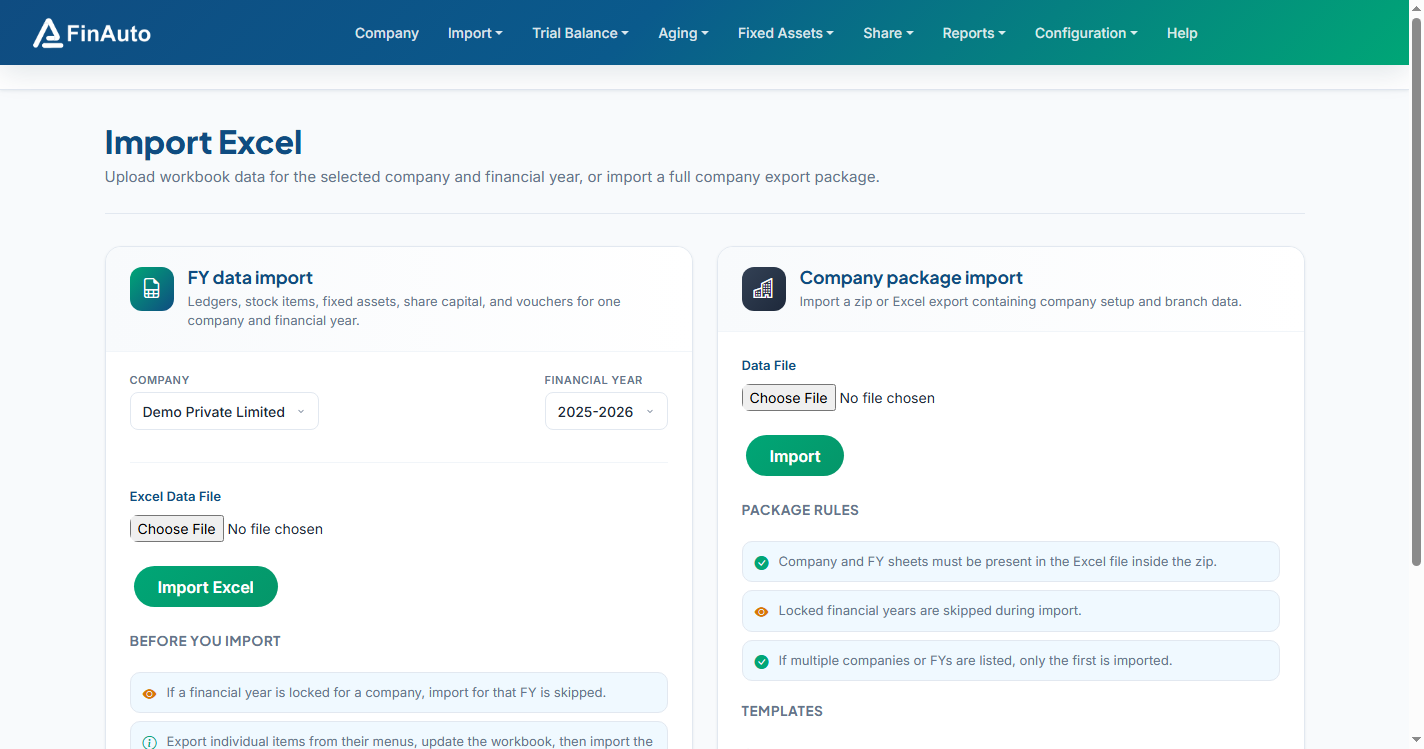
Step 2: Import revised file
- Go to Import → Import Data (or the Import Data entry under Import).
- Select the module type matching your file.
- Upload the updated workbook and submit.
Data overwrite
Import replaces existing module data for the scope defined in the template. Back up exports before bulk changes.
Related links
Troubleshooting
| Symptom | Likely cause | Resolution |
|---|---|---|
| Column errors | Edited headers removed | Do not change header row names |
| Partial import | Wrong module selected | Match template type to import form |
See also Common issues.
Need more help? Contact support@finautoindia.com. Do not share API keys or PAN in email.